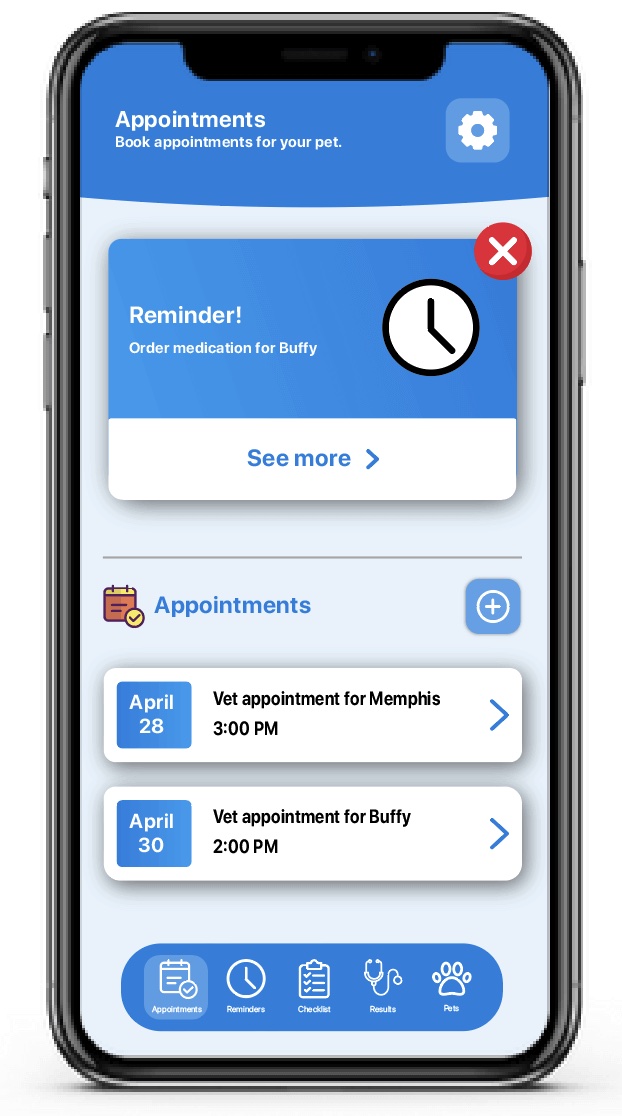
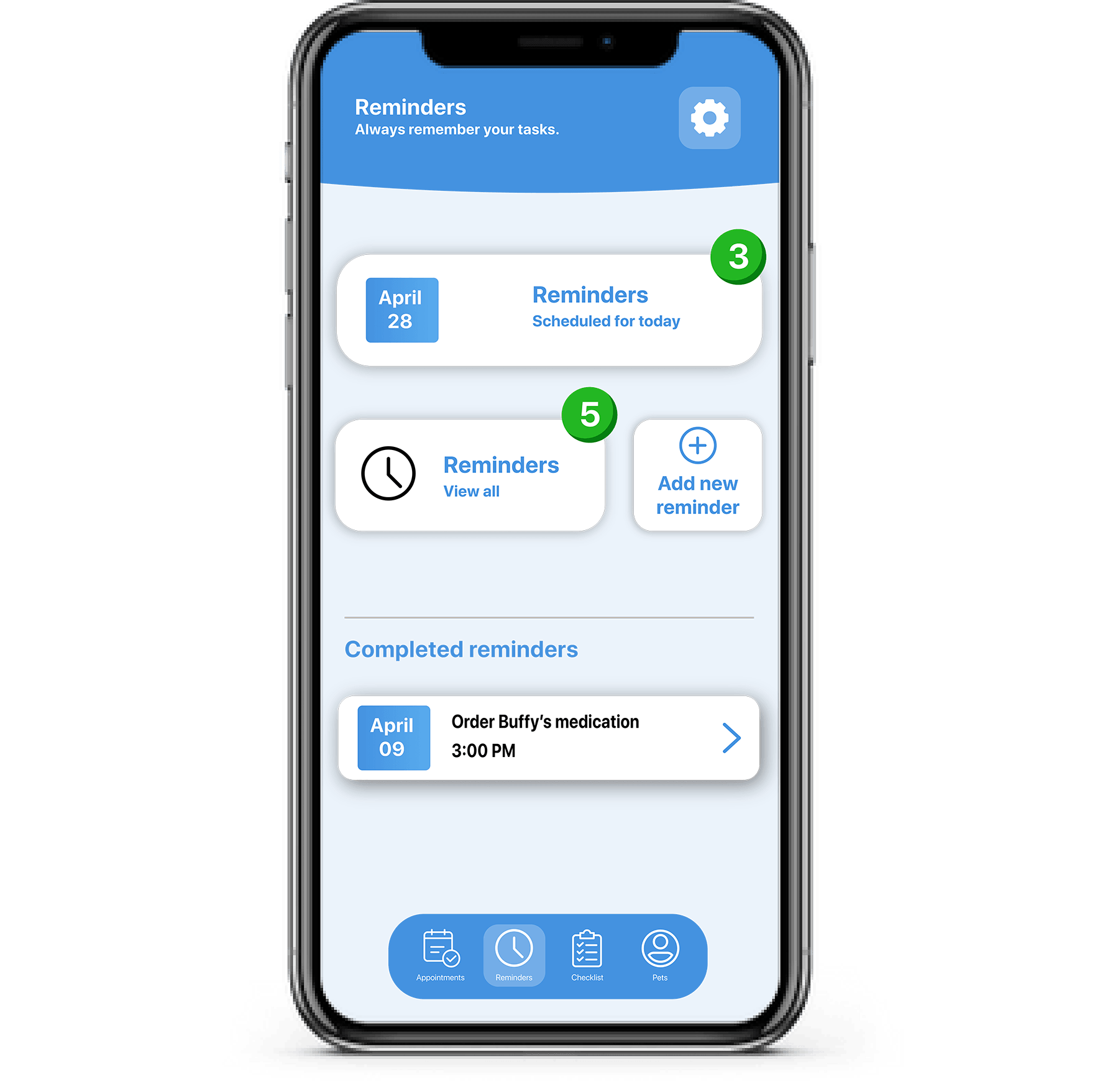
POCKETVET is a veterinary application that allows users to book appointments, review results, set reminders, set checklists and write notes, all with a touch of a button.
Project Brief
Caring for your pets can feel like a demanding, full-time commitment. From managing appointments to tracking medication schedules, the responsibilities can seem overwhelming. Having personally experienced the challenges of tending to a sick pet, I intimately understand the time and dedication it requires to provide them with the best care possible. It's this firsthand insight that inspired me to create an application aimed at simplifying these tasks.
This project focuses on the user interface and the branding of the application. We were required to design a logo for an application and using that logo create an end tag animation.
Software Used
Adobe Illustrator
Adobe XD
Research and Discovery
Inspiration
When I commenced this project, my initial step involved researching existing pet-related logos. During this process, I began collecting screenshots of various logos I wanted to draw inspiration from. These logos were then added to a mood board where they could be referenced throughout the project.
Design Process
Sketches
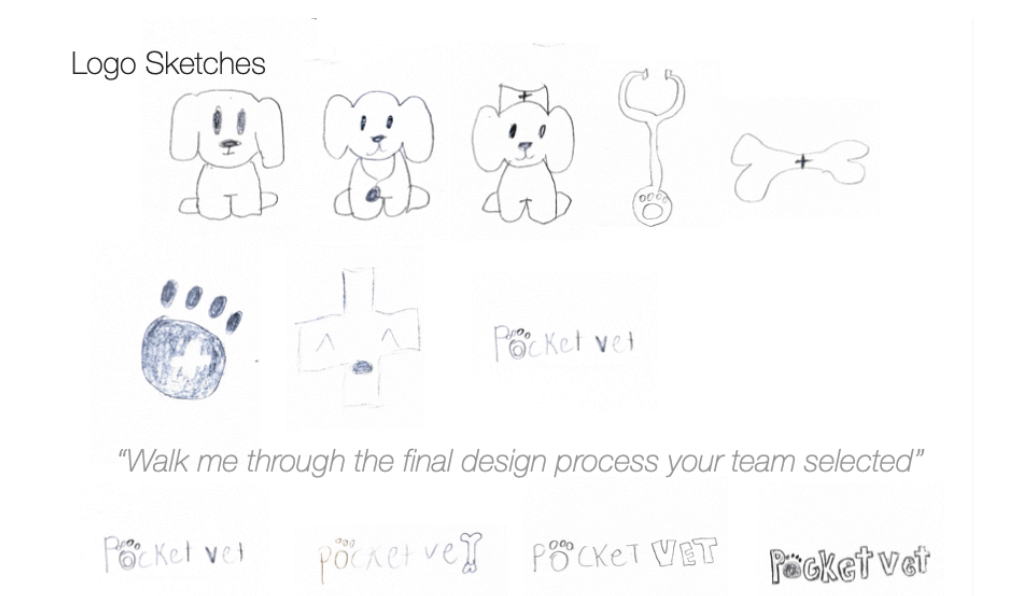
Creating sketches is a crucial step in the design process. I can visually express and explore ideas to ensure a well-rounded and creative foundation for the final design. Going into this step, I knew I wanted to include visual elements representative of a dog. As you can see from some of my initial sketches (Fig. 1), I tried to create a mascot for the brand. However, in the end, the direction of the design had changed.
Eventually, I began conceptualizing text-based logos. 30 variations of the logo were drawn for this step.
Fig.1 Sketches of logo
Semi-Comps
Semi-comps were developed to provide an intermediate stage for refining and fine-tuning the concept. This step helped to ensure the alignment of the final logo with the identity of the brand I was developing. The semi-comps were created on Adobe Illustrator. While making the semi-comps, I experimented with various colours and font-weights.
Here are some of my developed semi-comps:
Fig.2 Semi-comps of logo
Final Logo
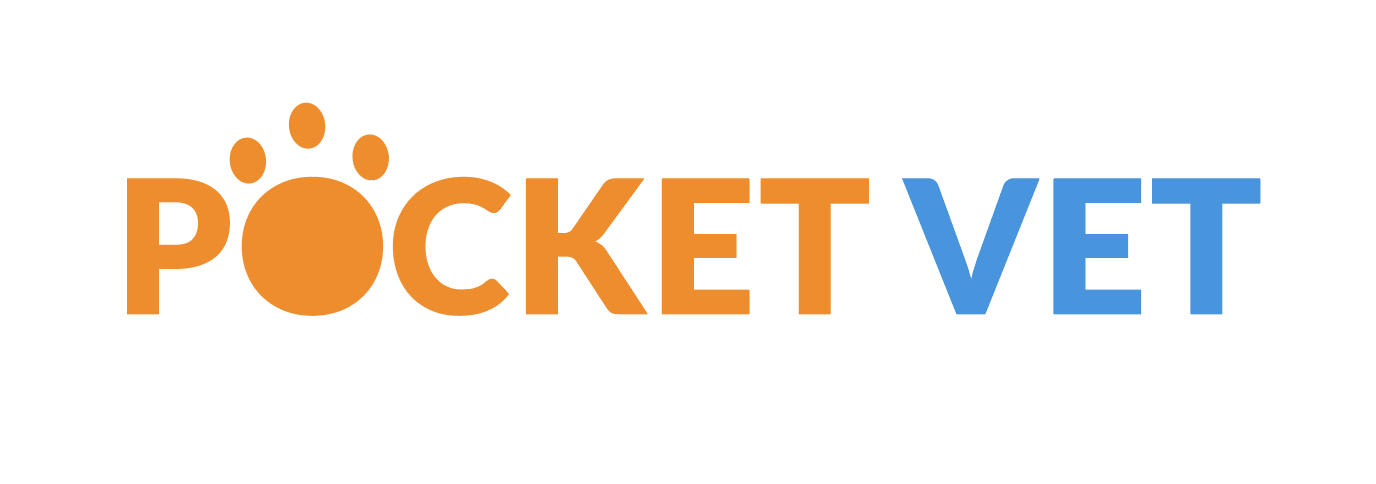
Following this stage, I choose one of the semi-comps for further refinement and finalization of the logo.
Fig.3 Final logo
Brand guide
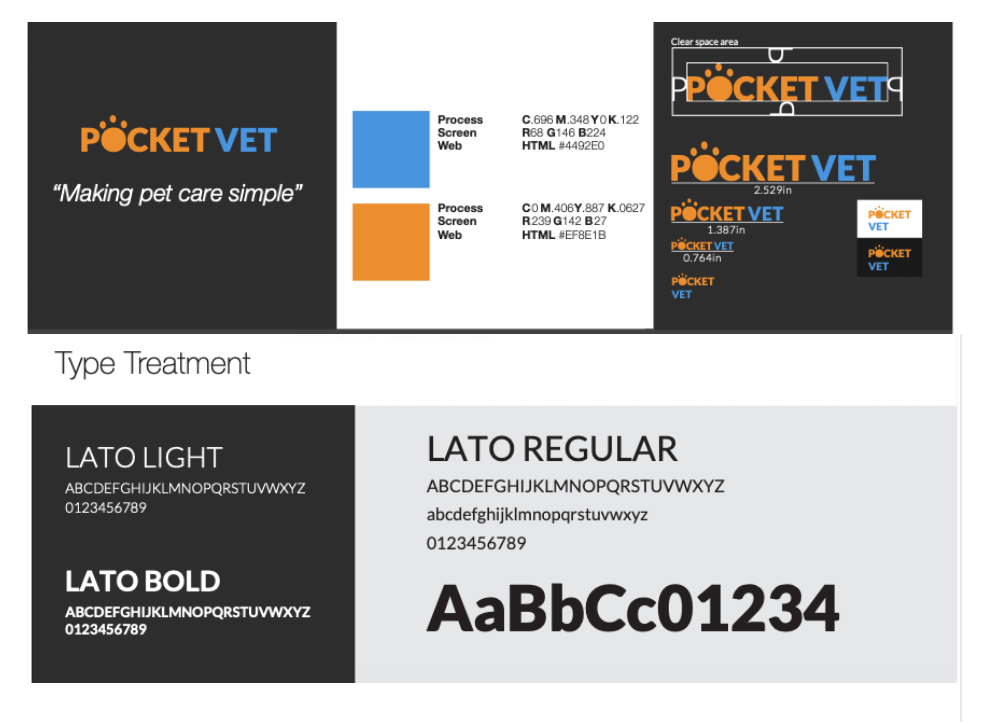
This project required a basic style guide to accompany the designed logo.
Here is the basic style guide that was developed:
Fig.4 Brand guide
End-Tag Animation
An end tag animation was crafted to improve the brand's identity. This animation is intended to promote brand recognition and leave a memorable imprint on the viewer. Its primary role was to serve as the visual cue indicating the conclusion of a promotional sales pitch video. The end-tag animation was made using Adobe After Effects.
Here is the end-tag animation:
Fig.5 End-tag animation
Future Iterations
The original requirements for this project did not require a partnering interface. However, I saw this as an opportunity to hone my skills and gain practical UI experience. No user testing was completed for this process. All features of the UI were conceptualized from my own experiences/needs while caring for an animal.
Prototyping
Mid-fi Prototype
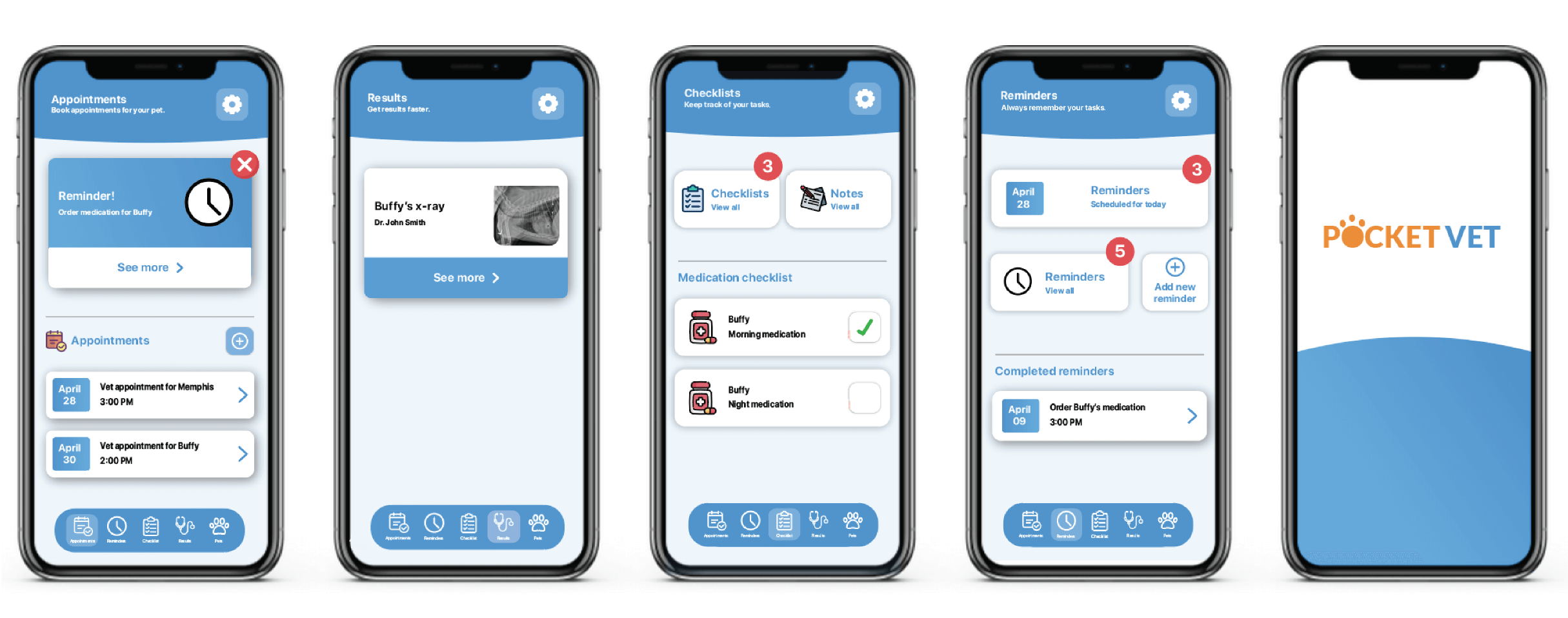
Some of the functionalities featured on this prototype include the ability for users to book appointments with their pets’ vet, order prescriptions, review medical results, set reminders regarding their pet's treatment, and set checklists (ensuring their animal has received their medication). The prototype was developed on Adobe Illustrator.
Fig.6 Mid-fi prototype
Final Prototype
On the final version of this prototype, alterations were made to help improve the functionality and visual aesthetic of the application. These alterations include colour changes to the alert pop-ups and reduced steps to complete tasks.
Fig.7 Final prototype
Reflection
Although it wasn't a specified project requirement, designing this application's user interface introduced a set of unique challenges. One notable challenge was the need to brainstorm and implement features without the benefit of user testing. Without direct user involvement, it can become more challenging to assess the viability of a design and its alignment with user needs. Incorporating user interviews and feedback would have provided me with invaluable insight into the specific needs of my users. This project taught me the importance of involving users at every stage of the design process.
Conclusion
With POCKETVET, I can simplify users' veterinary experience. With easy access to results, appointments, checklists, reminders and notes, you can spend less time keeping track of your pet's health and more time with your pet.